 tab in the dialer interface to display
the Dialer Import Screen.
tab in the dialer interface to display
the Dialer Import Screen. The Dialer will create a results file from the campaign. To import those results into the debtors history, the results file must be put into a readable format. See the Dialer J9 Format.
To import
the file, select the tab in the dialer interface to display
the Dialer Import Screen.
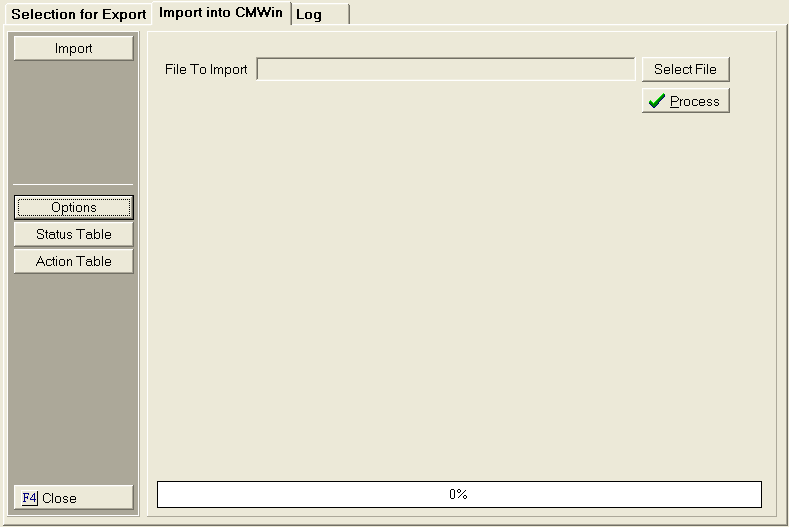
Save the
dialer results file in the import data directory. To
setup the data directories, click the
 button.
Make sure the Status Table and Action Table are setup prior to importing the file.
Once the
Tables are set and the Results file is saved in the Data Directory, click
the  button. Select
the file and click the
button. Select
the file and click the  button.
Click the
 button to process the file. Select
to process to Screen (recommended), printer or file.
button to process the file. Select
to process to Screen (recommended), printer or file.