 tab, click the
  button. The
Status Translation Table screen will be displayed.
button. The
Status Translation Table screen will be displayed. The Status Table allows the user to have defined dialer results codes change the status code on the account.
From the
tab, click the button. The
Status Translation Table screen will be displayed.
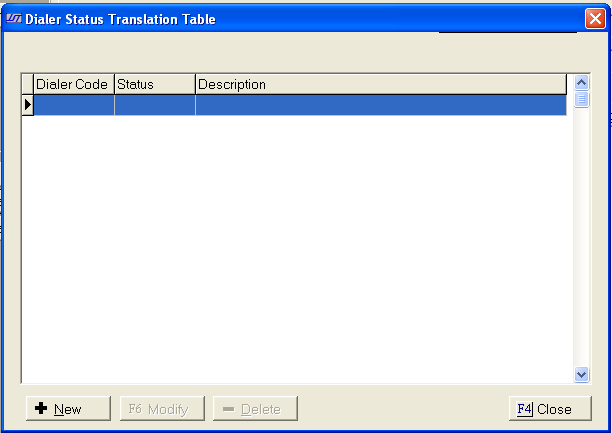
Click the
 button to display the Edit Status Translation Screen.
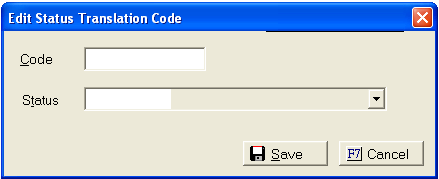
Enter the dialer code in the Code Field. User will have to get the list of dialer results codes from their dialer provider.
Select the
Status code from the  list.
list.
Click the
 button.
To modify
an existing entry, click on the translation to be edited and click the
 button.
To delete an
existing entry, click on the translation to be deleted and click the  button.